3.7 Neopixel light Patterns and Animations
A. Learning Objectives
- create different patterns to be shown in a NeoPixel LED matrix;
- write a program in Wemos D1 R32 or ESP32 board to accept Bluetooth Terminal commands to select different patterns shown in a NeoPixel LED matrix;
- use functions to make the program more structural.

GPIO13 <--> DIN (Data In / Signal)
GND <--> GND (0V)
VIN <--> VCC (5V)B. Notes
B1. Use "data" for making patterns.
In the above example, 0x _ _ is a hexadecimal number. 4016 = 64, which is the number of pixels.
0xFF0000 is the colour of the first pixel, where R=FF16=255, G=0016=0, B=0016=0.
So the colour of the first pixel is red.Copy the data from "Neopixel Matrix Data" into "Set data". Check the result.
Example 1:

Download File
Other examples:
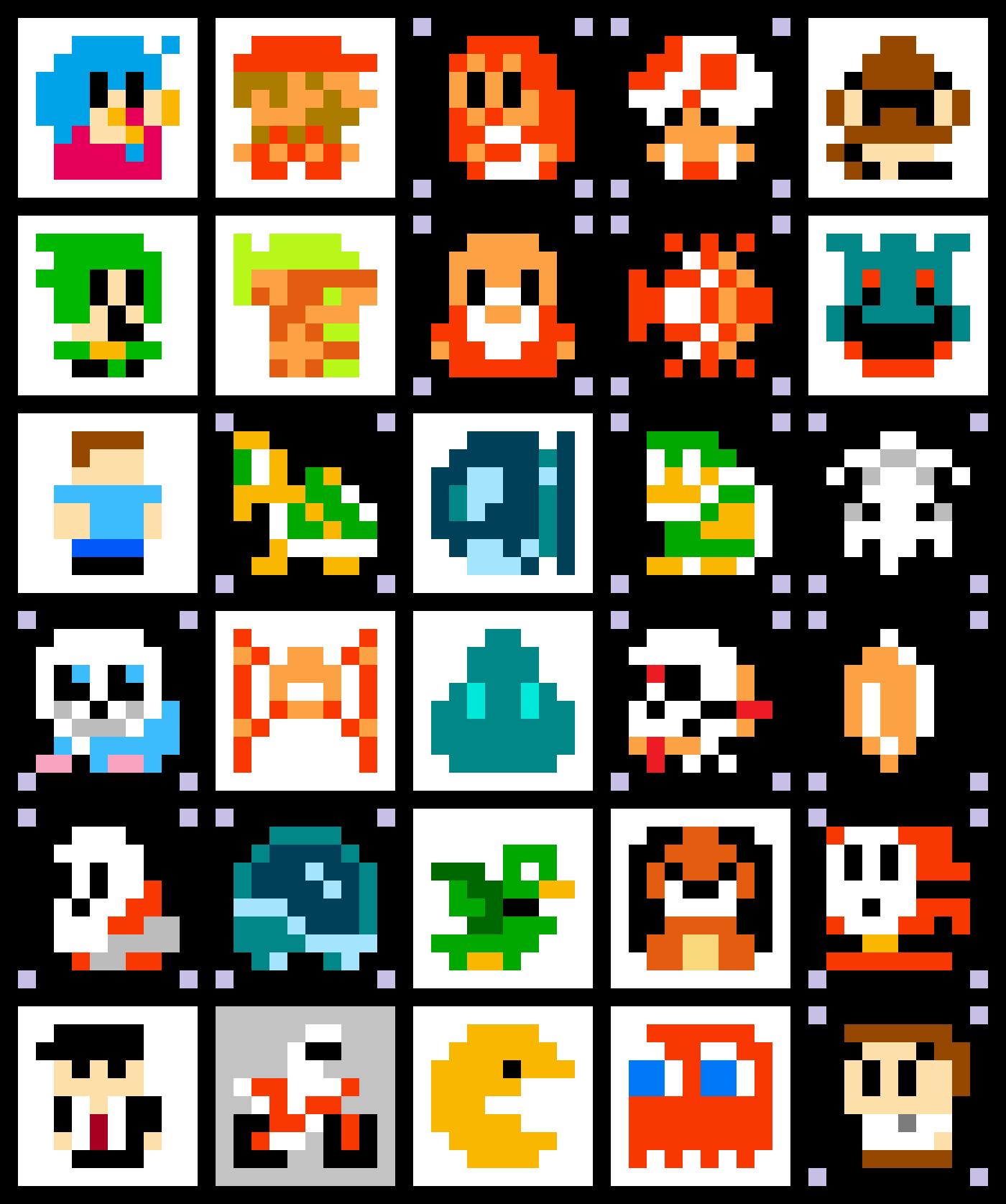
C. Coursework
(for Term Project)Make a Bluetooth Neopixel LED lightOFF + 3 patternscommand = 0 : OFFcommand = 1: pattern 1command = 2: pattern 2command = 3: pattern 3 (animation)one of the pattern (1-3) should be turned on when the light is just powered on.Bonus 1: brightness controlBonus 2: breathing effect


